Bridging the Gap Between Thought & Expression
Empower students with dysgraphia, speech accommodations, and executive functioning challenges to record oral responses directly in Google Classroom, Docs & Slides. Built with 100% student-owned storage and $0 developer server costs.
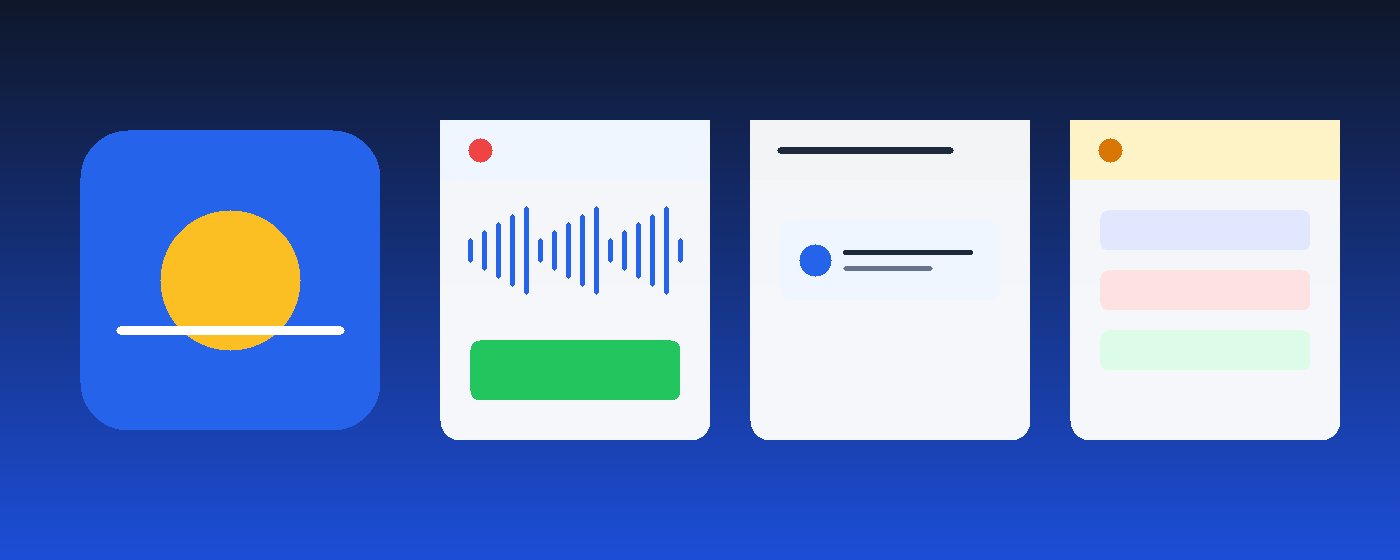
Test the VoiceBridge In-Browser Sandbox
Experience how easy it is for a student with an IEP or accommodation to record an oral answer and submit it into a Google Classroom Private Comment.
Built Purposefully for Students & Teachers
Every interaction is stripped of complexity to maximize focus, eliminate anxiety, and empower learning.
Frictionless 4-Action Flow in Private Comments
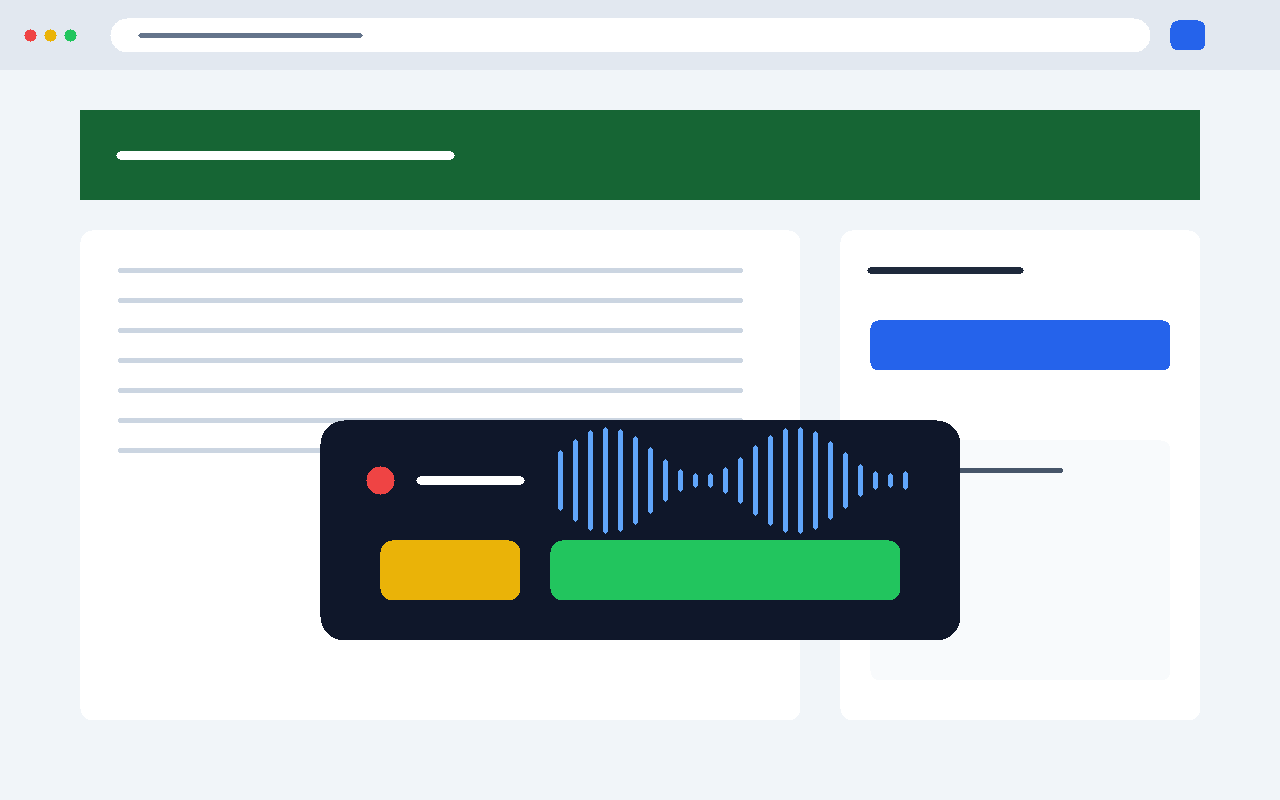
VoiceBridge directly injects into 1-on-1 Private Comments while intentionally excluding public stream comments. This protects student dignity, removes peer social anxiety, and keeps communication safe between student and teacher.
- Linear Simplicity: Record $ ightarrow$ Speak $ ightarrow$ Review $ ightarrow$ Submit. Zero nested popups.
- Silence & Mute Detection: Warns students if their mic is muted before they submit.
- Real-time Waveform: Clear visual feedback that audio is recording properly.
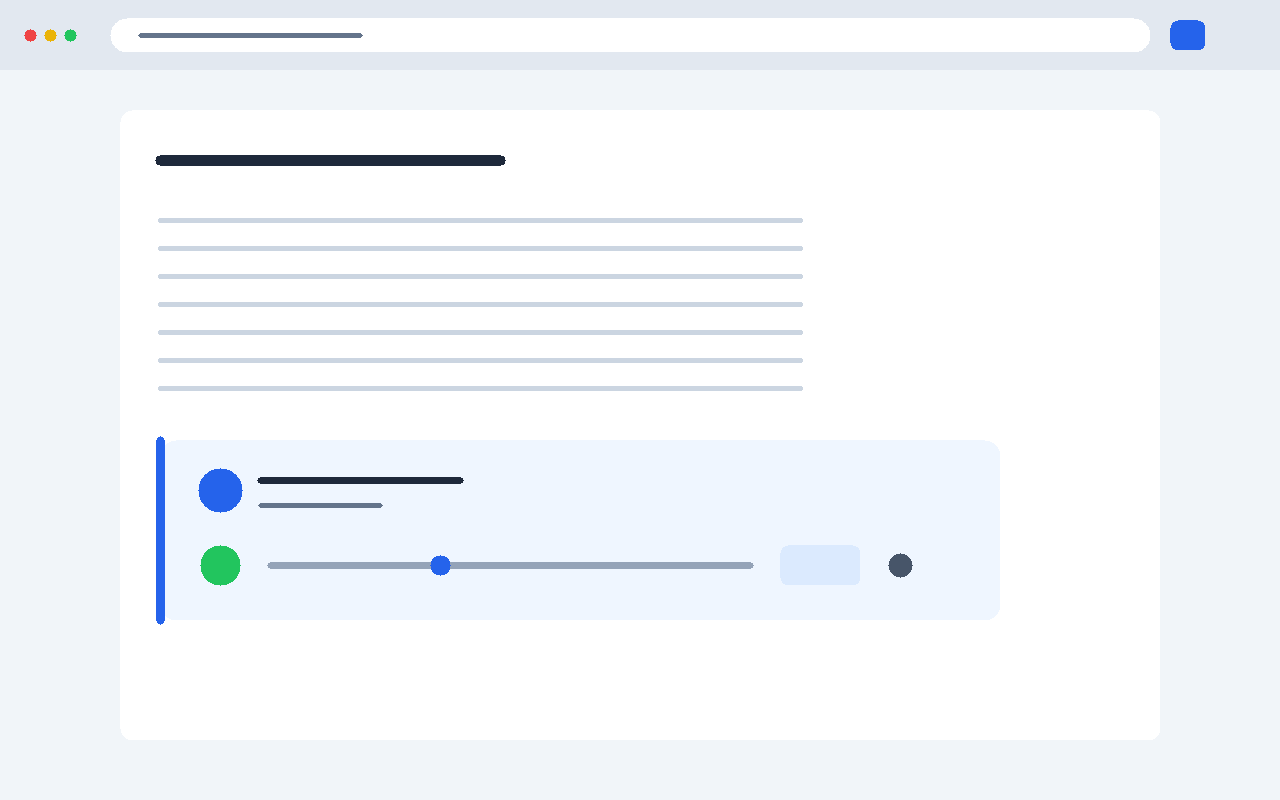
1-Click Inline Audio Player with Speed Controls
Teachers can listen to student oral responses directly inside Google Classroom grading workflows and Google Docs comment sidebars without opening new tabs or downloading files.
- Variable Speed Playback: 0.75x, 1.0x, 1.25x, 1.5x, and 2.0x speeds to review student submissions rapidly.
- Visual Audio Scrubber: Jump to any section of the voice recording with a single click.
- Quick Voice Feedback: Teachers can leave 1-click audio replies back to students.
Universal Design for Learning (UDL) by Default
VoiceBridge meets strict WCAG AAA guidelines. Whether a student uses an assistive switch, high-contrast display, or open-dyslexic typography, VoiceBridge adapts effortlessly.
- Lexend & OpenDyslexic Typography: Clinically proven fonts that reduce visual crowding and character flipping.
- WCAG AAA 7:1 High Contrast Theme: High-visibility yellow-on-black for low-vision learners.
- 48px+ Touch Targets: Easy interaction for students using touch Chromebooks or motor accommodations.
- Single-Key Switch Access: Press Space to record/stop and Esc to cancel.
100% Student-Owned Google Drive Storage
No developer databases. No monthly recording minute caps. Complete student ownership.
Direct Student Google Drive
When a student records, the audio is uploaded directly from their browser into their school Google Drive account under the VoiceBridge Recordings folder.
- $0.00 Developer Operating Bill: Audio never touches developer cloud infrastructure.
- Unlimited Minutes: No 3-minute recording caps or paid tier paywalls.
-
Least Privilege: Only accesses files created by VoiceBridge (
drive.filescope). - District Retention: Files respect district Google Workspace archive & deletion rules.
Traditional Commercial Audio Vendors
Commercial recording platforms send student voice data to centralized corporate AWS/GCP servers.
- Expensive recurring subscription licenses charged per student.
- Student voice recordings stored in centralized third-party databases.
- Arbitrary recording limits and restrictive monthly audio caps.
- Data transfer and privacy risks with external commercial entities.
Strict Legal & Ethical Compliance
VoiceBridge adheres to the highest standards of K-12 data privacy and digital safety.
FERPA & COPPA
Audio records remain under the strict custody and control of the school district. Zero collection of personal info for commercial monetization.
Zero AI Training
Student voices, audio clips, and transcripts are NEVER used to train, fine-tune, or benchmark commercial AI speech models.
No Account Needed
No new usernames, passwords, or registration forms. Authentication is powered natively via Google Workspace Single Sign-On (SSO).
Transparent Policy
Read our full open-access privacy disclosure written in clear, plain language with zero legal obfuscation.
View Privacy Policy $ ightarrow$1-Click Google Workspace Force Deployment
Deploy VoiceBridge to thousands of student Chromebooks across your entire district in under 5 minutes.
Open Admin Console
Sign into admin.google.com as a Super Admin and navigate to Devices $
ightarrow$ Chrome $
ightarrow$ Apps & extensions.
Select Student OU
Select your target Organizational Unit (e.g. All Students or Special Education / IEP).
Force Install Extension
Click the + icon, select Add Chrome app or extension by ID, and set Installation policy to Force install.
Pre-Grant Microphone
Under Chrome Device Settings, add https://classroom.google.com to allowed audio capture URLs so students are never prompted with dialogs.
Common Questions from Educators & Parents
drive.file OAuth scope. This means VoiceBridge can only access files and folders that it creates itself. It cannot read, browse, modify, or delete any other files or student documents in Google Drive.